When you are toying with the idea of starting to sell your products and services through email marketing, it's hard to know where to start. With so many email marketing tools and platforms out there, how do you know which ones are right for you? Which ones do you really need? Should you pay for your email marketing tools? Are the free email marketing tools any good?
In this article, I break down some of the tools I use as part of my email marketing strategy and explain when you should go with free email services and when you should invest money in your email marketing.
When To Pay For Your Email Marketing Tools?
Simple answer: Use free tools wherever you can, for as long as you can. If there's a free service/plan that provides the level of service you need, why not use it! Many of the tools I utilise are on a "freemium" business model, so they offer the most basic service for free and then encourage you to upgrade to paid services as your business needs grow. There are so many great tools that offer free plans for single users, perfect for Solopreneurs.
When it comes to paying for your marketing services, I recommend only paying for those tools that provide added value to your offering and will result in a return on the investment. Where possible, use a service that provides value through its range of functionality and use the minimum level of service you require. Some plans and services offer a great range of functionality, but if you don't use it all, you could be better off financially on a lower price plan with reduced services. Do your research!
Tools To Enhance Your Email Marketing Strategy
Mailerlite - Email Marketing Platform
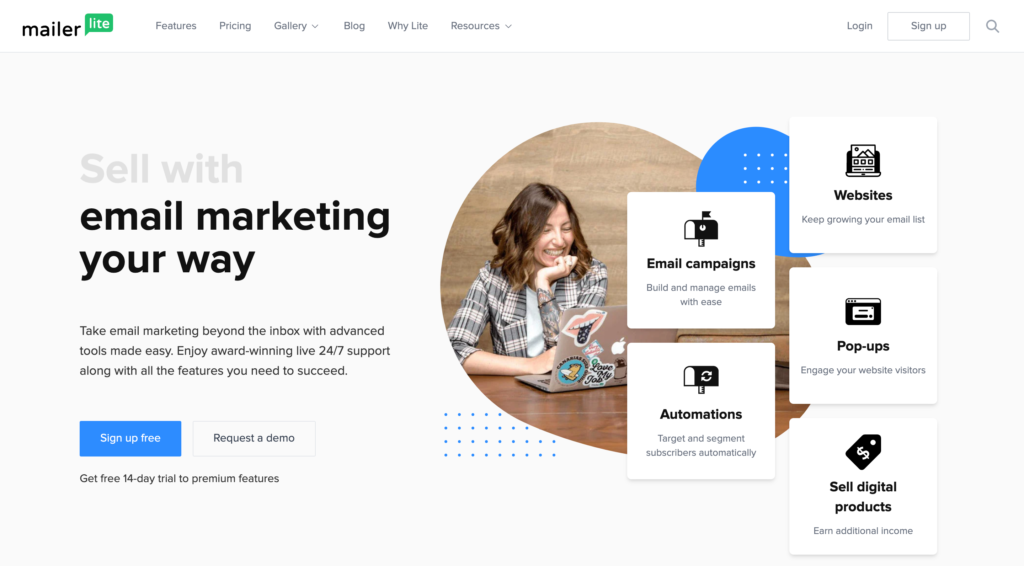
Mailerlite - Email Marketing Your Way Mailerlite provides the best email marketing automation tools on a budget. Mailerlite's free forever plan allows up to 1,000 subscribers with functionality including forms, landing pages and automation.
When you sign up, be sure you have an active website or social media profile to show how you will be gathering email subscribers. You will also be what you intend to use the software for; this is so that Mailerlite can verify you are a real person with honest intentions and not a spammer.
I've been using Mailerlite for two years now, and I love it. It's super easy to use; it works great with WordPress (and Elementor). Mailerlite offers an easy to use drag-n-drop email builder, so making your emails is a breeze. It accepts an RSS feed, which means I've been able to automate sending out my new blog posts each week.
Price: Free-forever plan, up to 1,000 subscribers. Paid plans start at $10 per month.
Calendly - Add scheduling links to your emails
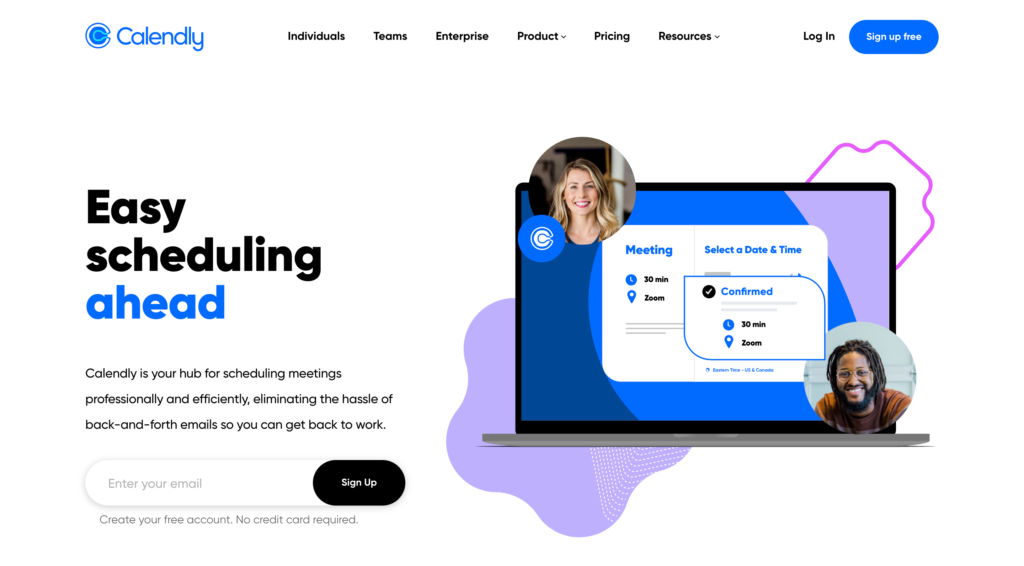
Calendly - Easy Scheduling Calendly has made it super easy for new clients to grab time in my schedule, a time that suits them. The back and forth "Does 2:30 pm work for you?" "Can we make it 3:00 pm?" is reduced to a few clicks. Calendly not only connects to my calendar so it when I'm available, and when I'm busy, it also allows me to limit my working hours to the days and times I want.
I love that I can set up multiple calendars with different availabilities for each; a calendar for discovery calls with potential new clients and a calendar for my existing clients to meet regarding ongoing projects. My clients love that they can always find scheduled times based on what works for both of us without all the back and forth or having to expose our calendars.
Each calendar has a unique link that you can include in your emails, on your web pages, and even embed your calendar on a web page. You can also send out your personal link that provides a choice of appointment types to book. Great if you want to offer different lengths of appointments; 15min, 30 min, etc.
Price: Free Basic plan, Paid plans start at $8 per month.
Stripe - Sell direct from your emails

Stripe - Payments infrastructure for the internet If you're selling products as part of your email marketing strategy, then Stripe is the go-to payment platform. It integrates with Mailerlite and many other platforms so that you can sell directly from your emails. If you're charging for your time, clients can pay for their coaching calls and consultations when they book with the Calendly x Stripe pairing.
Stripe also partners with ecommerce options such as WooCommerce, Wix, Squarespace and more.
Stripe handles all payment types, from debit cards to credit cards, Google Pay and Apple Pay. It has integrated per-transaction pricing with no hidden fees.
Price: Free to get setup. Only pay when you get paid! Per transaction fee: 20p + 1.4% (or 2.9% dependent on card type)
Grammarly - Excellent Spelling and Grammar, Always
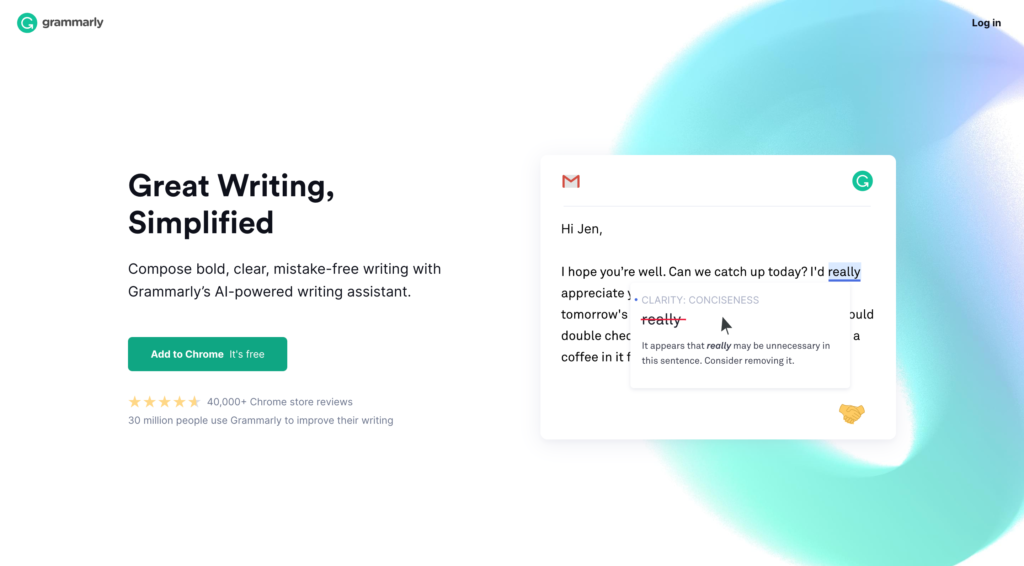
Grammarly - Free Online Writing Assistant Before you schedule any emails, marketing or personal, always proofread multiple times. Spelling and grammar can be a real bugbear for some people, and some people can lose trust over the smallest of things, especially if they feel you've not put in the effort to check for mistakes.
Grammarly is more than just a spell checker; it checks spelling, grammar, clarity, tone of voice and also has a plagiarism checker. The free plan allows using the spelling and grammar checkers. The premium plan brings the full suite of checks, and as an annual premium plan user, it's worth every cent! I recently achieved the 97-week streak, looking forward to 100 weeks!
Being a total geek, I also love the reports Grammarly sends me telling me how many words I've checked recently, what my common mistakes are and what tone of voice I use most often.
Price: Free Basic Plan, Premium $12 per month
Other Recommended Tools
Mailpoet 3 (Simple emailing plugin for WordPress)
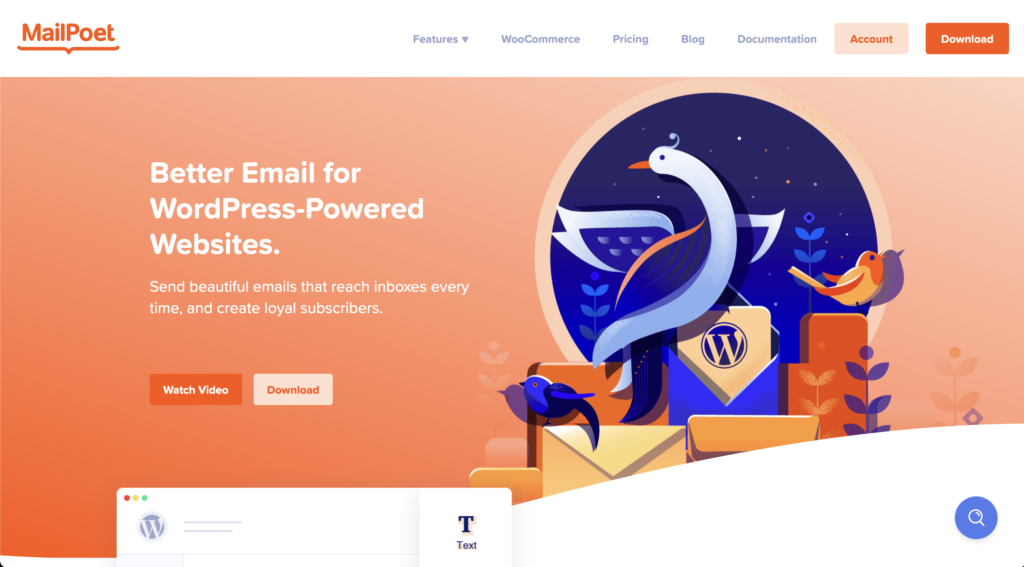
If you just want the most basic email tool integrated directly within your WordPress dashboard, then Mailpoet is the one for you. This WordPress plugin has everything you need to send out simple updates and messages to your subscribers. All your subscriber management is handled within your WordPress dashboard, and it even has a basic drag and drop email editor.
Price: Free up to 1,000 subscribers.
WP Mail SMTP by WPForms (Improve deliverability)
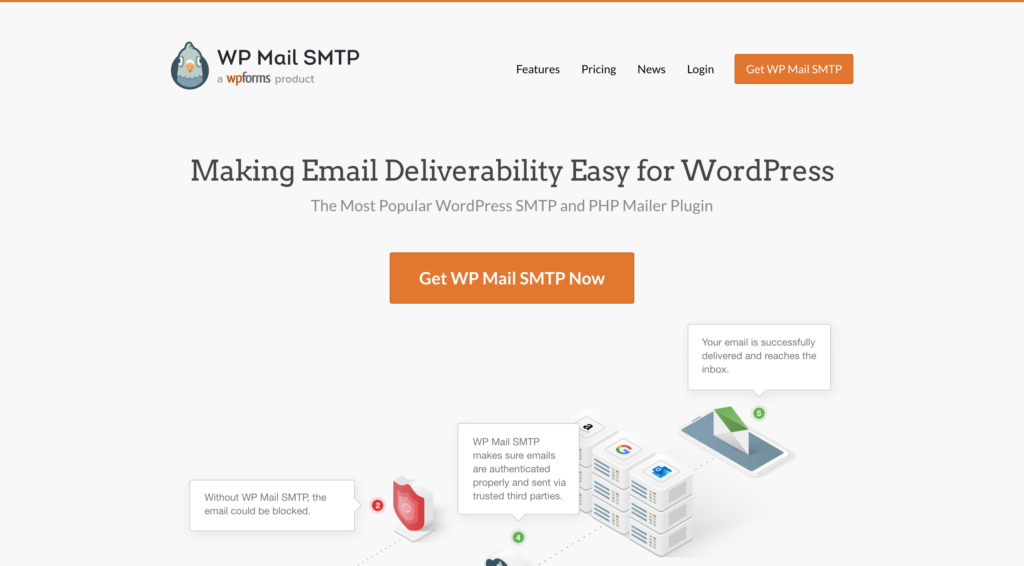
If you opt to send your emails directly from WordPress using Mailpoet, WP Mail SMTP will ensure your emails get delivered using the email address of your choice, with no more bounces or spam filter issues.
Price: Free; some mail integrations require a paid subscription.
Kit, formerly ConvertKit (Email marketing platform for creators)
If you have an existing mailing list of more than 1,000 subscribers and are looking for more complex and robust automation, then Kit is a fantastic alternative to Mailerlite or Mailpoet.
Price: Free plan available, Creator $29, Creator Pro $59. Compare Kit's pricing plans.
HubSpot (Customer Relations Management)
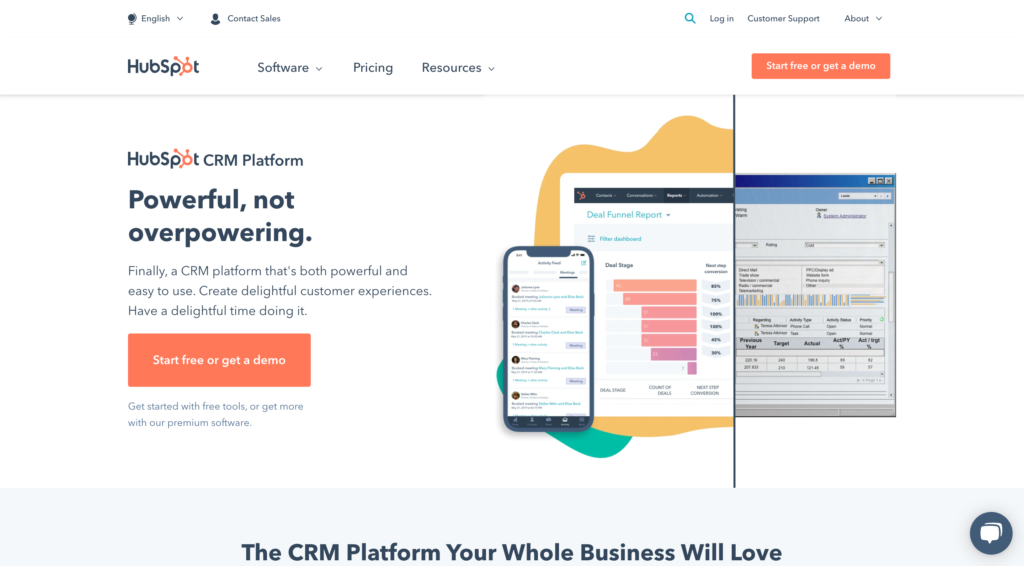
When you're nurturing leads to convert them to clients a CRM like HubSpot can help you close more deals with less work, and remove friction from your sales process. HubSpot provides marketing automation, prospect tracking, live chat, meeting scheduling, and that just within the free CRM!
Price: Free, Various paid packages are also available.